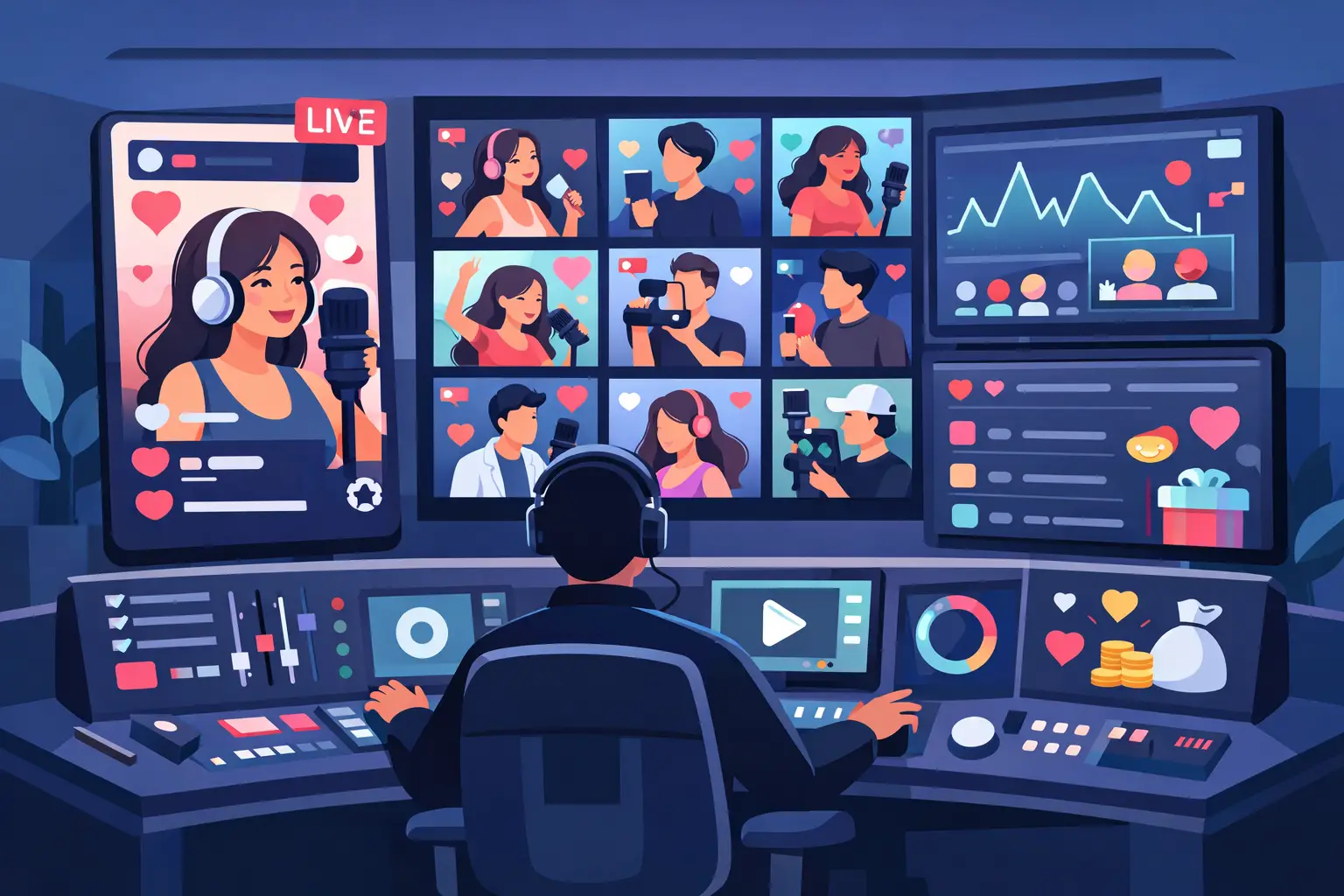
The fastest way to kill a live is to make viewers sit there with nothing to do. If your chat is quiet, gifts feel random, and every session starts to look the same, a TikTok live control panel stops being a nice extra and starts becoming the engine of the show. It gives you one place to run the action, manage access, and turn passive viewers into people who tap, gift, compete, and come back for more.
For creators, that means less fumbling between tools and more focus on performance. For managers and agencies, it means fewer messy handoffs, cleaner user control, and a much easier way to keep multiple live setups moving. The real value is not just organization. It is momentum.
What a TikTok live control panel actually does
At a basic level, a TikTok live control panel is your command center for interactive live experiences. It is where you activate products, assign users, control availability, and keep an eye on what is running during a broadcast. If you are using gift-based games or audience-triggered actions, the panel is what keeps the chaos fun instead of sloppy.
That matters because TikTok LIVE moves fast. A good stream can shift from calm to wild in seconds. One gift battle can turn a sleepy room into a full-blown competition. If your backend is clunky, you miss the moment. If your setup is clean, you can turn that spike into a bigger spike.
The strongest control panels are built for two jobs at once. First, they make life easier for the operator. Second, they make the live feel bigger for the audience. Those are not separate goals. When activation is simple and real-time reactions work the way viewers expect, participation feels natural. That is where retention and gifting start feeding each other.
Why creators need more than basic live tools
TikTok gives creators a stage, but not every creator wants to run the same format over and over. Talking to chat is fine. Thanking gifters is necessary. But if the whole stream depends on your ability to fill every dead second manually, fatigue shows up fast.
That is where a control panel changes the format. Instead of asking viewers to just watch, you give them a reason to interfere. Their gifts can trigger mini-games, move teams forward, protect a crop, push a platform, or swing momentum from one side of the room to the other. The stream stops being one-directional. It becomes reactive.
This is also where monetization gets more interesting. Not every gift-heavy live is successful because of audience size alone. A smaller room with strong competition can outperform a larger room with weak participation. If viewers can clearly see that their actions affect what happens on screen, they have a stronger reason to send again. The loop gets tighter. Gift, reaction, rivalry, repeat.
The best TikTok live control panel is built for speed
A slow setup is a stream killer. If you need ten steps to activate one experience, creators will use it once and never touch it again. The best TikTok live control panel feels fast before the live starts and even faster when the pressure hits.
That means a few things in practice. You should be able to add users without confusion. You should be able to assign durations and product access without back-and-forth. You should know which projects are available, who can use them, and what is currently active. If you run multiple creators, this is even more important. A panel that works for one account but becomes chaos at scale is not really solving the problem.
There is also a trade-off here. More features do not always mean a better tool. Some platforms overload the operator with settings, tabs, and unnecessary complexity. That can look powerful on paper, but during a live it creates hesitation. For most creators and teams, the better setup is the one that gives clear control over the things that matter most - access, activation, monitoring, and smooth switching between experiences.
Audience participation is the whole game
The smartest reason to use a control panel is not admin convenience. It is what happens in the room when viewers realize they are no longer just watching. That shift changes behavior.
Once people see that gifting triggers visible action, they start playing with intent. Some want to help. Some want to sabotage. Some want to beat the other side. That tension is gold for live content because it creates a reason to stay for the next moment. On TikTok LIVE, attention is fragile. Participation gives it a spine.
This is why game-like experiences work so well. They add stakes without making the stream complicated. A viewer does not need a long explanation to understand team rivalry, survival pressure, or a visible push toward victory. They see movement, they see consequences, and they want in. A control panel makes that possible behind the scenes by keeping those mechanics organized and easy to run.
For agencies and multi-account operators, control matters even more
A solo creator can sometimes get away with a messy setup. An agency cannot. Once you are managing multiple livestreamers, access control becomes part of the product itself.
A good panel should let operators add users, assign product durations, and decide who gets access to what without wasting time. That sounds simple, but it solves a very real problem. When teams grow, confusion grows with them. Who has access? Which creator is using which experience? When does that access expire? What can be activated today? If the answers live in screenshots and chat messages, you are already behind.
A centralized panel keeps the business side clean while letting the content side stay wild. That balance is important. Streamers want the live to feel spontaneous. Managers want the backend to feel controlled. You need both.
What to look for in a TikTok live control panel
If you are choosing a panel, look at what it does during the stream, not just how it looks in a demo. Clean design is nice, but performance under pressure is what counts.
First, check whether it supports real audience interaction instead of cosmetic add-ons. If gifts trigger actual gameplay changes, the panel is helping you build stronger loops. Second, look at how easily you can manage users and durations. Third, think about whether the system is built for repeat use. One funny gimmick might spike a single live. Replayable competition is what keeps people returning.
It also helps to ask what kind of creator you are. If your audience likes rivalry, team-based formats will hit harder. If they enjoy chaos and sudden reversals, reaction-driven mini-games will likely perform better. There is no single setup that wins for everyone. The best panel is the one that fits your stream style while giving you room to test new energy.
This is where StreamLive stands out. Its control center is built around interactive products designed specifically for TikTok LIVE behavior, with one place to manage access and run audience-driven game experiences without adding friction.
The hidden benefit: consistency without repetition
A lot of creators chase novelty and forget consistency. They want every live to feel new, but they also need a format people recognize and return to. A control panel helps with that because it lets you run structured interaction without making the content feel scripted.
That is a huge difference. Repetition feels stale when the audience has no power. Repetition feels exciting when the crowd can change the outcome every time. The same game can produce different rivalries, different winners, and different gifting surges depending on who shows up and how hard they push.
So the goal is not to reinvent your stream daily. The goal is to create a flexible system where viewers know their actions matter. Once that clicks, your live has a stronger identity. People do not just remember you. They remember what happens when they join.
A control panel should make the stream feel bigger, not harder
The best tools do not make creators act like operators. They remove friction so creators can stay on camera and keep the room hot. That is the standard a TikTok live control panel should meet.
If it helps you run engaging formats, spark gifting competition, manage users cleanly, and keep live energy high without technical drag, it is doing its job. If it adds clutter, confusion, or delays, it is getting in the way.
On TikTok LIVE, attention moves fast and gifting momentum moves even faster. When your setup is built to react in real time, every gift has more weight, every rivalry has more heat, and every stream has a better chance of turning into a show people do not want to leave. Pick tools that let your audience cause some damage in the best possible way.